
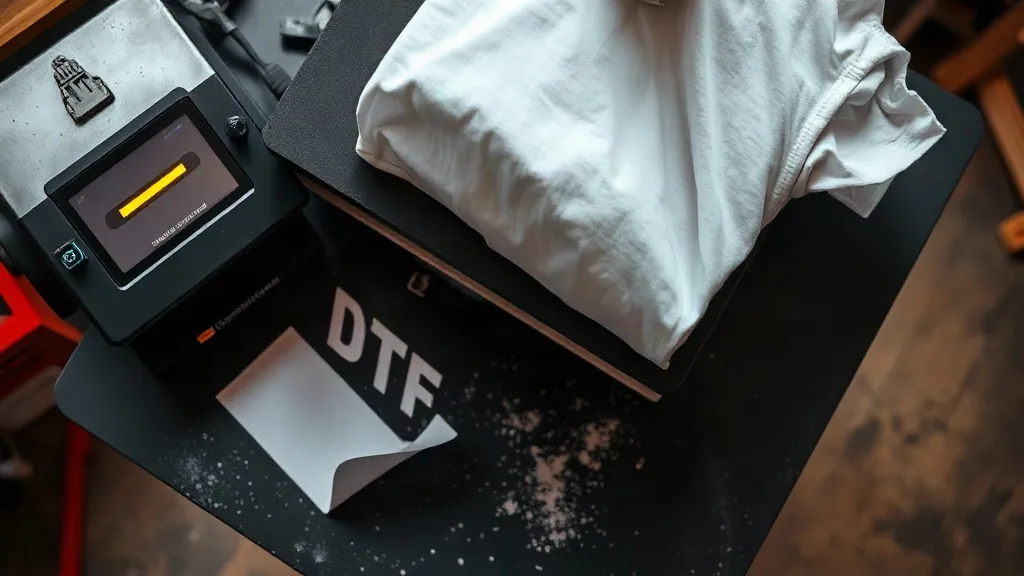
You pull a shirt off the press, wait for it to cool, then peel the film. Half the design stays behind. Or worse, it looks perfect on day one, then comes back from the wash looking like a dried riverbed. If you have been printing for a while, you already know that dtf transfers are not complicated in theory, but they punish small mistakes without much mercy. The frustrating part is that the same symptom can come from three or four different causes, so guessing wastes film, powder, and shirts.
This guide takes a different approach than the usual step-by-step walkthrough. Instead of telling you what to do in order, it starts with what went wrong and works backward to the cause. Keep it near your press. The next time a print fails, you will have a diagnostic path instead of a hunch.
Start With the Symptom, Not the Setting
Most troubleshooting advice jumps straight to temperature and pressure, but those are only two variables in a chain that includes ink load, powder coverage, film choice, fabric type, and cooling time. When a print fails, the fastest route to a fix is to identify exactly how it failed. A print that peels at the edges tells a different story than one that cracks across the middle, and both differ from a print that fades but stays intact.
Before you touch a dial, answer three questions honestly. Did the print fail immediately after pressing, after the first wash, or after several washes? Is the failure at the edges, in the middle, or across the whole design? And does the garment stretch, or is it rigid? Those three answers narrow the cause down faster than any checklist.
Peeling: The Film Lifts Before the Print Does
Peeling is the most common complaint, and it almost always traces back to one of four things: incomplete powder cure, uneven pressure, pressing too cool, or peeling the film while it is still warm when the film calls for a cold peel.
Powder and Cure Problems
Adhesive powder needs enough heat to melt into a continuous layer. If the powder looks grainy or matte after curing, it has not fully melted, and a grainy adhesive layer will not bond properly to fabric. Shake the powder evenly, tap off the excess, and check that your oven or heat source reaches the temperature the powder manufacturer specifies. A common mistake is curing by look rather than by time and temperature. Set a timer. Do not eyeball it.
Pressure and Peel Temperature
Uneven pressure shows up as peeling at the edges first, because the outer areas of the platen often receive less force than the center. If your press has a pressure knob, test it with a sheet of paper across the whole platen, not just the middle. As for peeling, follow the film's instructions exactly. Cold-peel films genuinely need to cool completely, and rushing that step is one of the most frequent causes of partial transfer on dtf prints.
Fabric and Pre-Press
Moisture is a quiet saboteur. Cotton holds ambient humidity, and steam escaping during pressing creates a barrier between the adhesive and the fibers. A quick pre-press for a few seconds removes that moisture and flattens the surface. Heavily textured fabrics and tightly woven synthetics also need more attention, sometimes a higher press temperature within the film's safe range.
Cracking: When the Print Cannot Move With the Fabric
Cracking usually appears after washing or after the garment is stretched. The ink layer has become brittle, or the adhesive has bonded so rigidly that the fabric moves underneath it and the print cannot follow.
- Over-pressing: Too much heat for too long makes the ink film brittle. Stay inside the recommended window.
- Too much ink: Heavy ink deposits create a thick, stiff layer that cracks under flex. Reduce ink load in your RIP settings.
- Wrong film for the job: Some films are formulated for stretchier fabrics. Match the film to the garment.
- Pressing over seams or zippers: These create pressure points that thin the print and start cracks. Use a pressing pillow.
If your cracking is concentrated along a specific line, look at what is underneath that line. A seam, a pocket edge, or a fold in the shirt during pressing is often the real culprit, not the film.
Fading: A Wash and Care Story
Fading is different from peeling and cracking because the print stays attached but loses color. There are two main causes: incomplete curing, which leaves the ink vulnerable to detergent and agitation, and washing habits that are simply too harsh for decorated garments.
Wash inside out, use cold water, skip fabric softener, and avoid high heat in the dryer. Fabric softener coats fibers and can degrade the adhesive over time, and high dryer heat stresses the ink layer. If a customer reports fading after one wash, check their care routine before you blame your process. If fading happens across many customers with different habits, look at your cure time.
Building a Diagnostic Habit
The printers who rarely deal with failures are not lucky. They keep records. A simple log of date, film brand, powder, press temperature, time, pressure, fabric, and result turns troubleshooting from guesswork into pattern recognition. After a few dozen entries, you will notice that certain combinations of film and fabric need a small adjustment, and you will catch problems before they reach a customer.
Keep a small test swatch of each fabric you print on. When a new film or powder arrives, run the swatch through your full process and wash it once before committing to a production run. That single habit saves more money than any piece of equipment.
When to Source Locally and When to Source Smart
If you are searching for dtf transfers near me because a deadline is close, local pickup can be the right call. But for regular production, the more important question is consistency. A supplier who ships the same film and powder batch after batch removes a variable from your process, and that reliability is worth more than a slightly lower price. Ask about batch consistency, cure recommendations, and whether the film is warm or cold peel before you commit to a large order.
Frequently Asked Questions
Why does my DTF transfer peel off after the first wash?
Most first-wash peeling comes from incomplete powder cure or pressing at too low a temperature. Check that the powder has fully melted into a glossy, continuous layer and that your press reaches the film's recommended temperature across the entire platen, not just the center.
Can I fix a cracked DTF print once it has already been pressed?
Not reliably. A cracked print has already lost its flexibility, and re-pressing will not restore it. The practical fix is prevention: reduce ink load, stay within the temperature window, and use a pressing pillow over seams so the print does not thin at pressure points.
How long should I wait before peeling a DTF transfer?
It depends on the film. Cold-peel films need to cool completely, often thirty seconds to a minute, before you peel. Warm-peel films are removed sooner. Always follow the film manufacturer's instruction, because peeling at the wrong temperature is one of the most common causes of partial transfers.
Does fabric softener really damage DTF prints?
It can contribute to adhesive degradation over time. Softener coats fibers and reduces the bond between the adhesive and the fabric, and combined with heat in the dryer it shortens the life of the print. Cold washing inside out without softener is the safest routine.
What is the most common cause of uneven DTF results across a single order?
Inconsistent pressure across the platen. If the center of the press delivers more force than the edges, prints near the edges will peel or under-bond while the center looks fine. Test pressure with paper across the full platen and adjust before running a batch.